

Bernette Embroidery Software by DIME
This feature-packed software gives you the tools you need to make customized embroidery designs effortlessly. Whether you're aligning, merging, resizing, or crafting a one-of-a-kind monogram, you have complete control over every element. Choose your colors, spacing, size, and more to personalize your project and achieve professional results every time.
You'll be amazed at the extensive text editing functions, built-in fonts, design library, and the click and drag options to resize, rotate, and recalculate stitches with ease. Merge and recolor designs over and over until you are satisfied with the final look of your project, right on your screen, before you ever start stitching.
Elevate your embroidery from basic to brilliant with the bernette Embroidery Software!
Lettering Features
- Monogram Tool
- 65 Built-in Embroidery Fonts
- Place and Edit Text in Your Designs
- Resize Text
- Adjust Line Spacing
- Create Circular Text
- One-click Arc Text
- Pre-set Envelop Shapes
Editing Features
- Re-colorize Designs
- Convert Colors between Multiple Thread Brands
- Alignment Tools--Distribute Vertically/Horizontally, or Center Align
- Resize with Stitch Regeneration
- Copy/Paste/Merge
- Group/Ungroup
- Rotate/Mirror
- Color Sort
Design Features
- Auto Baste
- Merge Designs
- Design Analyzer and Junk Stitch Filter
- Backdrop Tool (Load an image, and design directly on it!)
- Carousel Tool
- Repeat Tool
- Auto-Fit
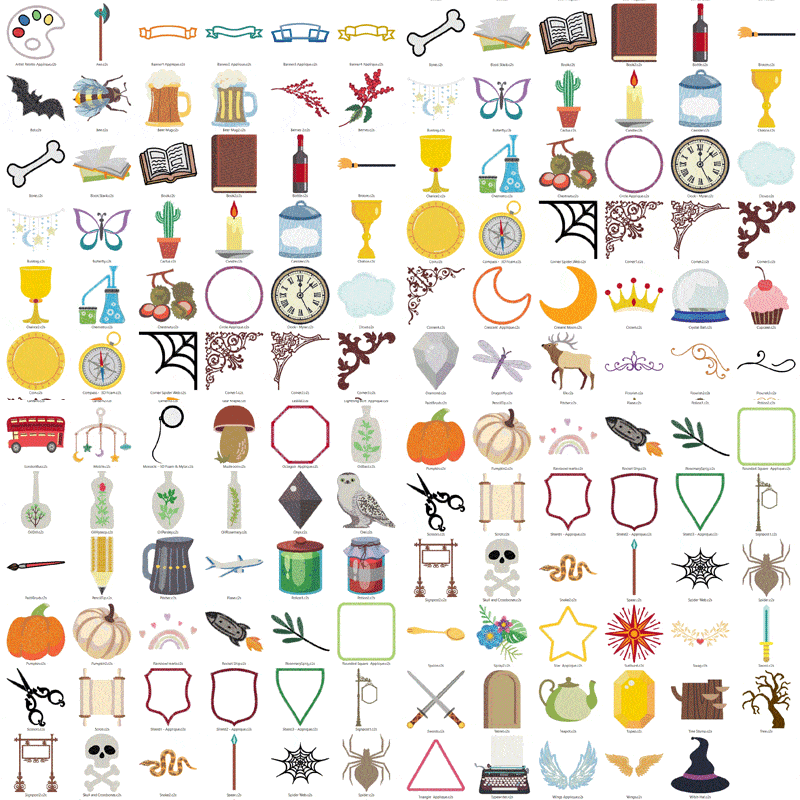
- 125 pre-programmed Embroidery Designs
- Formats Supported: A2Z, C2S, CSD, DAT, DSB, DSZ, EMD, EXP, HUS, JEF, KSM, M3, PCM, PCS, PEC, PES, PHC, SEW, SHV, SST, TAP, T01, T03, T05, U01, U02, VIP, VP3, VP4, XXX, ZHS, ZSK, 10o
View Features
- Print Full-Size Templates
- Stitch Sequence Simulator
- Zoom/Pan with Realistic Viewing Options
- Gridlines and Guidelines
- View and Create Hoops
- Hoop Tool Flyout
See what you can do with bernette Embroidery Software!
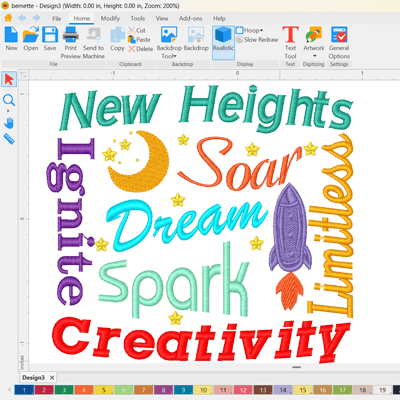
Extensive Text Editing Functions
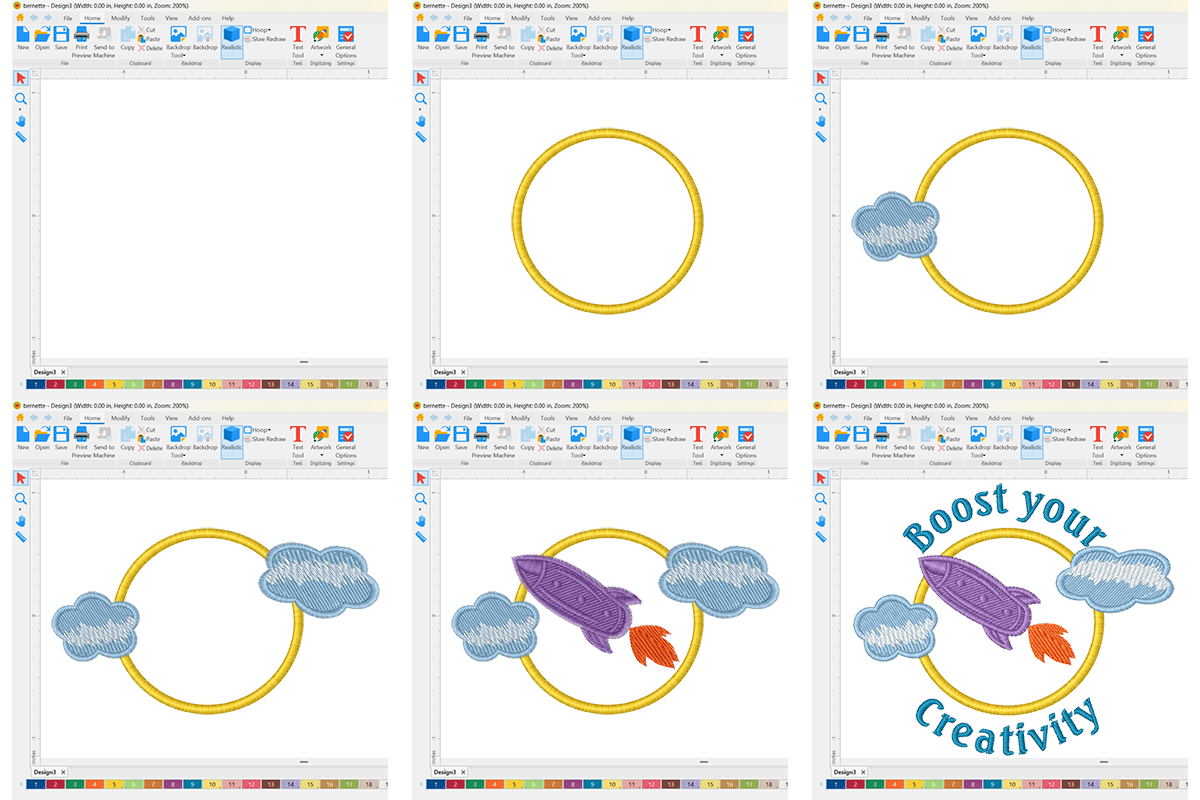
Place and edit text into your designs easily. Use advanced features such as envelopes, type on a circle, adjust line spacing, height, and resize text quickly and accurately.
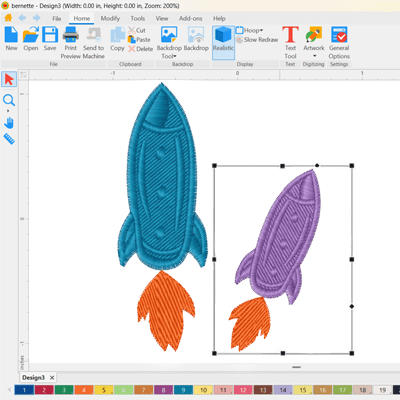
Resize, Rotate, & Recalulate Stitches
Click and drag to resize designs - stitches automatically recalculate and are added or removed as needed. You're in control! Rotate and align features included.
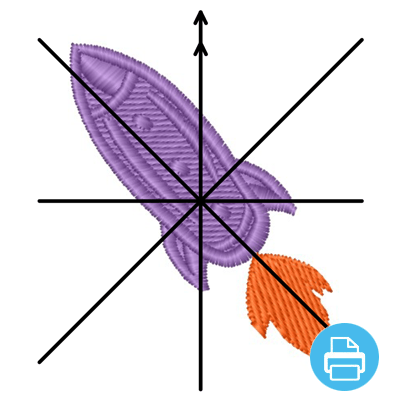
Print Templates
Print full-size design templates so you know exactly where to stitch your design.

Arc Text
Easily arc text on a circle and control the curve of the text. Circle, oval, oblong - you're in charge!

Monogram Tool
Create professional monograms using the built-in Monogram Tool.
65 Fonts Included
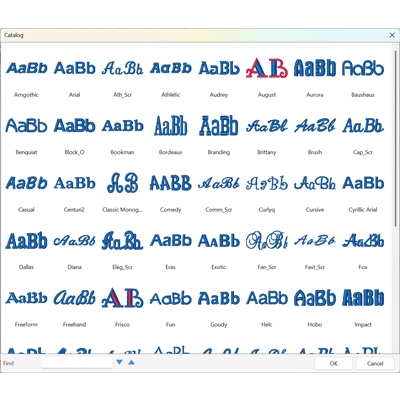
Personalization is easy with the wide assortment of fonts in various styles included in the software.
Recommended System Requirements
Windows 11
- Processor: 1 GHz or faster with 2+ cores on a compatible 64-bit processor or System on a Chip (SoC)
- Memory (RAM): 4 GB or higher
- Free Storage: 64 GB or higher
- Graphics: DirectX 12–compatible with WDDM 2.0 driver
- Additional: Microsoft account and Internet access
Macintosh (macOS Sonoma 14.x.x)
- Processor: 8th-generation Intel
- Amber Lake/Coffee Lake or Intel Xeon-W, or Apple M1/M2/M3/M4 chip)
- Memory (RAM): 8 GB or higher
- Free Storage: 25 GB or higher
| SKU | 98053 |
|---|---|
| UPC | 810085134701 |
| Part Number | 127ES-BES-USB |
| Condition | New |