
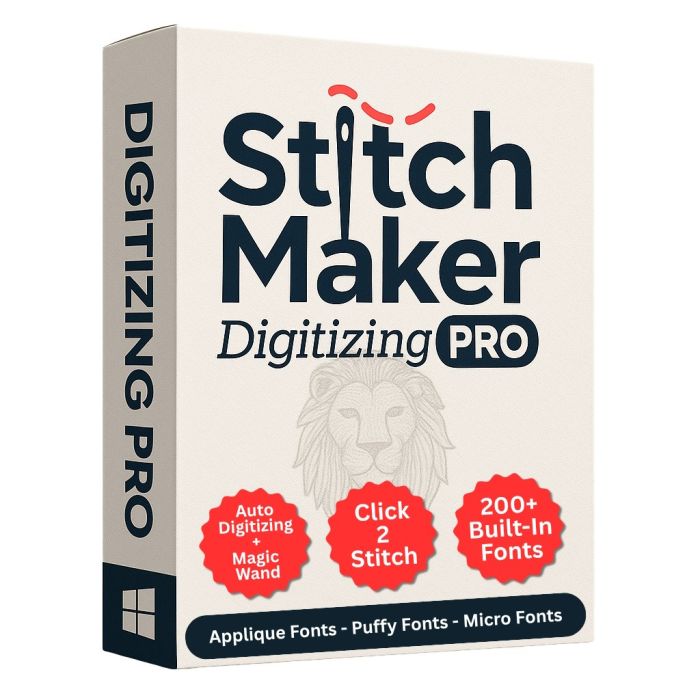
StitchMaker Digitizing Pro Software
StitchMaker Digitizing Pro Software is advanced embroidery digitizing software. StitchMaker Digitizing Pro Software is compatible with popular brands like SWF, Brother, Baby Lock, Janome, Happy, Tajima, Barudan, Bai, Ricoma and more.
Take your embroidery designs to the next level with a powerful, all-in-one digitizing solution built for professionals and creative enthusiasts alike. This feature-rich software combines intelligent automation with complete manual control, allowing you to create flawless embroidery designs with speed, accuracy, and stunning visual results.
Intelligent Digitizing Tools
Accelerate your workflow with smart digitizing features such as Magic Wand Segmentation, Auto Digitizing, Stitch Snapshots, and an intuitive Auto Digitizing Wizard. Whether you’re working from artwork or starting from scratch, these tools streamline the design process while maintaining precision.
Comprehensive Stitch Creation
-
Run Stitches: Standard, Two-Ply, Bean, Motif, Symbol, Projection, Double Rope, Triple Rope
-
Satin Stitches: Standard, Embossed, Contour, Whipped, Raised
-
Steil Stitching
-
Fill Stitches: Standard, Emboss, Motif, Shape, Echo, Contour, Stippling, Wave, Grid, Radial
-
Appliqué & Twill: Satin, Tackle Twill, E-Stitch, Motif, Symbol
-
Cross Stitch and full Manual Digitizing
Professional Viewing & Layout Tools
Visualize your designs with confidence using a 3D Realistic View, Design Sequence View, and Virtual Design Redraw. Precision tools such as grid lines, guidelines, and a built-in ruler ensure perfect placement and alignment every time.
Powerful Specialty Features
Enhance productivity with advanced tools like Click-to-Stitch, Design Optimization (including sequence and entry/exit optimization), and Design Analysis. Easily create custom thread charts, name drops, bubble text, and symbols, or apply transformations like repeat, carousel, scatter, reflect, and place.
Export stunning visuals with the ability to save designs as JPGs in 3D view, and simplify workflows with batch conversion.
-
Applique Fonts Upgrade
-
Puffy Fonts Upgrade
-
Micro Fonts Upgrade
-
Digitizing Upgrade
-
Lettering & Editing
Complete Editing Control
- Edit density, underlay, compensation, and stitch lengths
- Modify start and end points
- Adjust stitch direction and angles
- Modify object shapes
- Unlimited undo and redo
- Resize with automatic stitch regeneration
- Resize, rotate, and distort lettering
- Precision alignment tools
- Edit individual stitch points
- Join design elements using branching
- Palette, Standard, and Font Editors
Designed for efficiency, accuracy, and creative freedom, this embroidery digitizing software empowers you to transform ideas into professional-quality designs with ease. Perfect for embroidery businesses, designers, and production environments that demand reliability and results.
Digitizing Features
- Magic Wand Segmented
- Auto Digitizing
- Stitch Snapshots
- Auto Digitizing Wizard
- Create:
- Manual
- Run Stitches (Standard, Two ply, Bean, Motic Symbol, Projection, Double Rope
Triple Rope)
- Satin (Standard, Emboss, Contour, Whipped, Raised)
- Steil
- Fill Stitches (Standard, Emboss, Motif, Shape, Echo, Contour, Stippling, Wav, Grid, Radial)
- Applique Twill (Satin, Tackle Twill, E-Stitch, Motif, Symbol)
View Features
- 3D Realistic View
- Design Sequence
- Design Gallery
- Virtual Design Redraw
- Grid Lines & Guidelines
- Ruler
Specialty Features
- Click 2 Stitch
- Design Optimization
- Save Design to JPG in 3D View
- Create Custom Thread Charts
- Name Drops
- Bubble Text
- Cutter
- Repeat
- Carousel
- Place
- Reflect
- Scatter
- Design Analysis
- Batch Conversion
Editing Features
- Optimize Design Sequence
- Edit Density, Underlay, Compensation & Stitch Lengths
- Optimize Sewing Sequence
- Modify Start and End Points
- Modify Stitch Direction/Angles
- Modify Object’s Shape
- Unlimited Redo/Undo
- Resize With Stitch Regenerating
- Resize, Rotate & Distort Lettering
- Alignment Tools
- Edit Individual Stitch Points
- Join Design Elements With Branching
- Editors Tools
- Palette, Standard, Font
| SKU | 97954 |
|---|---|
| Part Number | smp |
| Condition | New |